 0.5
0.5Made by Future Tech Pilot
YOUR FOOTAGE. YOUR SONG. YOUR EDIT.
FREE EARLY ACCESS / WINDOWS + MACCadence.
Generate your videos anywhere.
Your agent organizes them here.
Tell your agent where your clips are. Have it import them into Cadence
and group them into bins, ready for you to review.
Cadence ⌄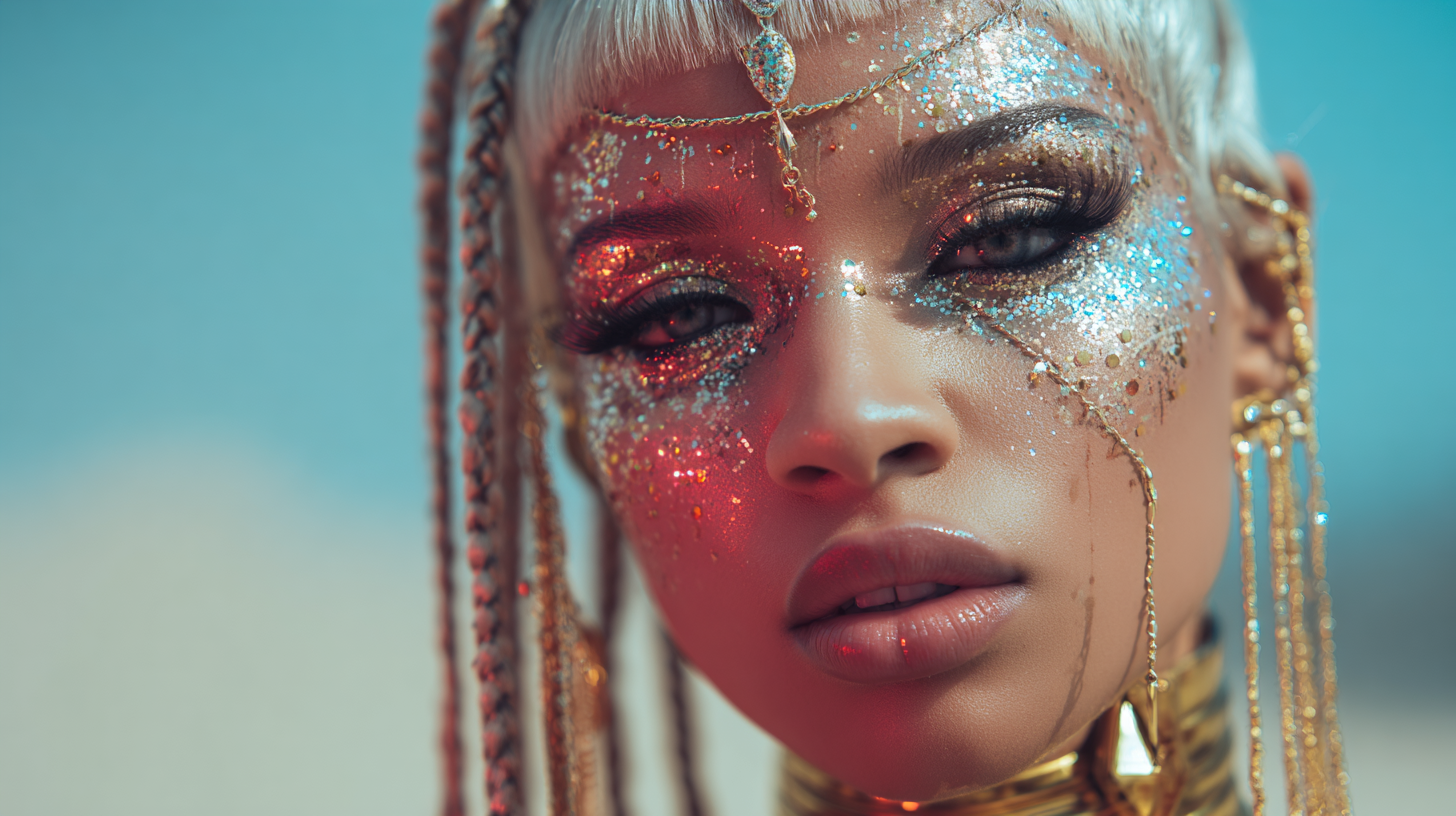
REVIEW
SOURCE DETAILS
- Duration
- 5.00 s
- Frame rate
- 24.00 fps
 Wide shot · Take 1unreviewed5.0s
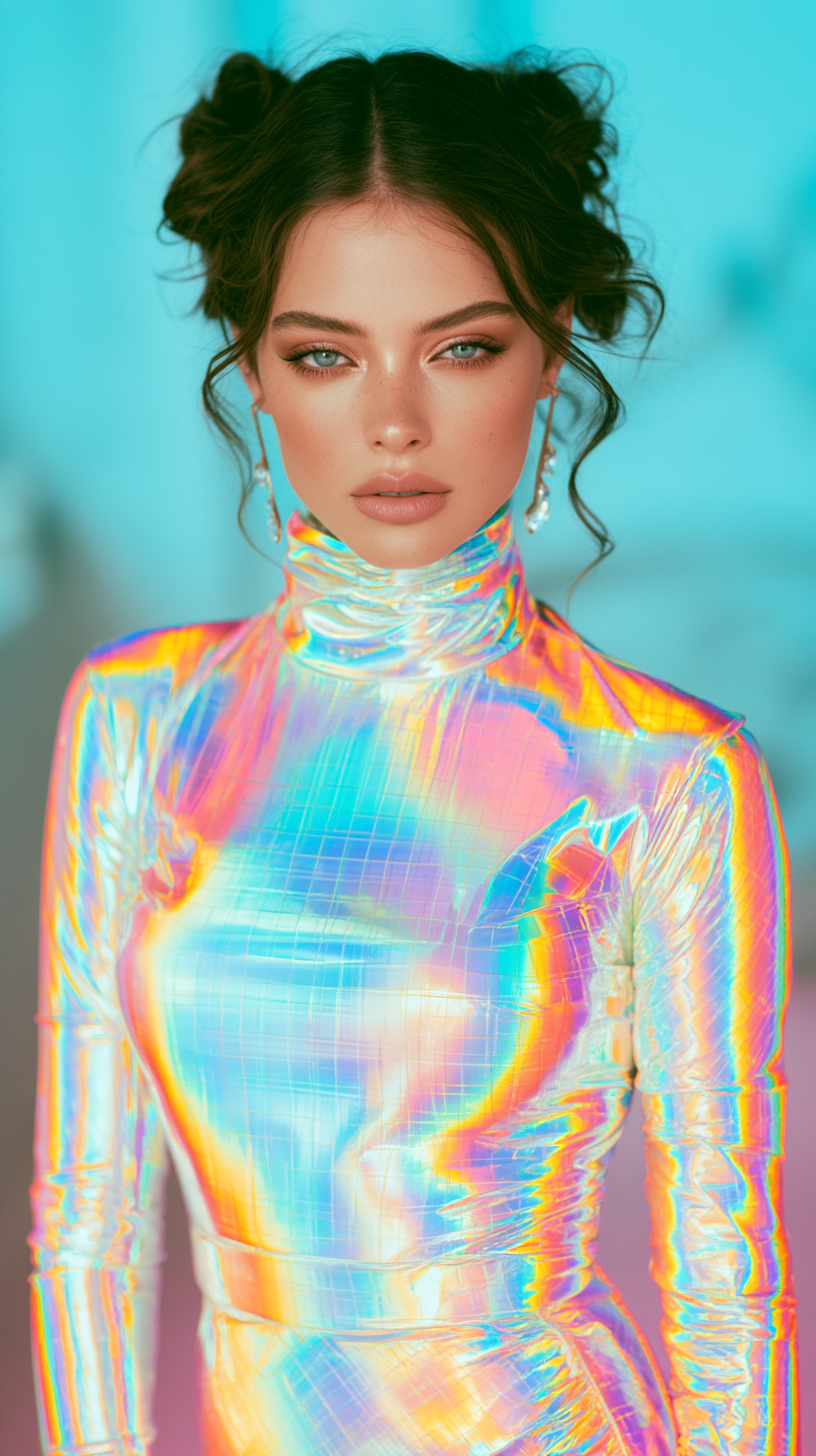 Portrait · Take 2unreviewed5.0s
 Close-up · Take 3unreviewed5.0s
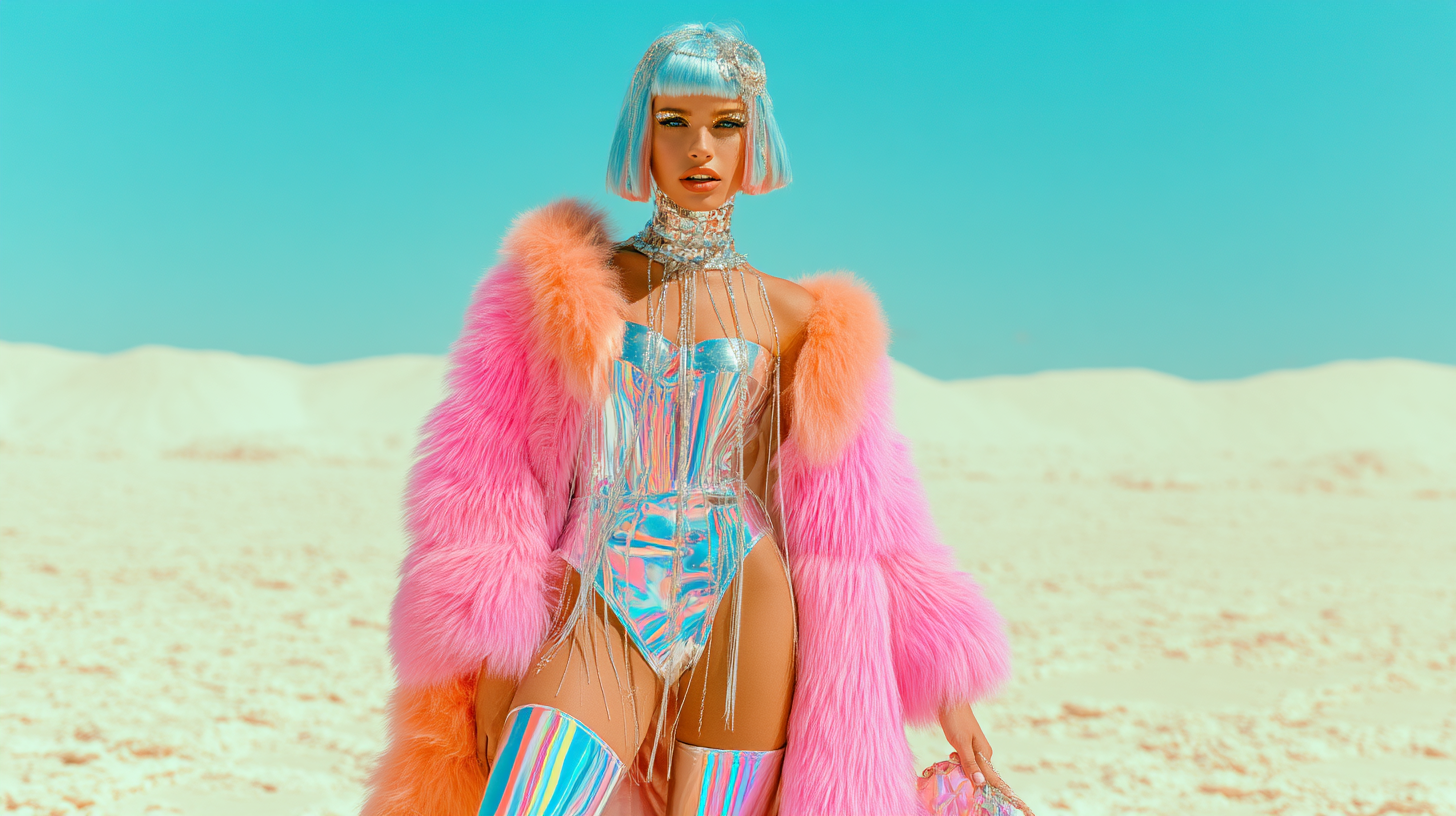 Performance · Take 4unreviewed5.0s
 Studio · Take 5unreviewed5.0s
 Portrait · Take 6unreviewed5.0s
Compare your takes.
Save the best parts.
Mark your favourites. Set an in and out point to save exactly the moment you want.
Cadence ⌄Build the video.
Layer by layer.
Drag your favourite clips and saved moments onto the timeline.
Use the lyrics beneath your song to place each moment.

GETTING STARTED
YOU + YOUR AGENT + CADENCESend a link.
Start a conversation.
Your agent handles the setup.
You bring the creative direction.
- 01
Give your agent the GitHub link.
It reads the instructions and helps install Cadence on your computer.
- 02
Connect it to your workspace.
Open Cadence ▾ → Connect your agent in Cadence. Enable access and paste the connection instructions into your agent.
- 03
Tell it how you make videos.
It asks where your clips arrive, which project they’re for, and what you want to bring in.
What you’re downloading.
Cadence for Windows and Mac, with automatic lyrics built in.
The lyrics model.Choose Windows or Mac below.
Why is the file this size?
It includes the video editor, Whisper’s AI lyrics engine and model, and the video-processing tools Cadence needs.
The lyrics model runs on your computer. It’s already in the download, so you don’t have to install it separately.
How much space do I need on my computer?
The installer is compressed to make the download smaller. Installation unpacks those files, which then take more space on your computer. You’ll also need room for the installer during setup and for your own footage and exports.
FREE EARLY ACCESS / VERSION 0.5
Your next
music video starts here.
Free Windows early access and Apple Silicon Mac beta. Both include the lyrics model.
Before you get started.
Why does Windows say “Unknown publisher”?
Cadence 0.5 isn’t digitally signed, so Windows can’t verify who published it. You may see “Unknown publisher” or “Windows protected your PC” when you open the installer. If you trust me and want to try it, use the file from the official GitHub release. If SmartScreen offers it, choose More info → Run anyway to continue. Some computers block unsigned apps entirely. Microsoft explains these warnings here.
Is Cadence free?
Yes. This 0.5 early-access release is free to download and use. There’s no Cadence subscription. Any AI agent or video-generation service you use separately may have its own costs.
Does it generate videos, or edit them?
Cadence edits footage you already have. Make your clips with Midjourney, a local generator, or another tool, then bring the downloaded files into Cadence. Compare takes, save the best parts, and arrange them with your song in the timeline.
What does my AI agent do?
Your agent helps install Cadence and bring your clips into the project. Tell it how you make videos and where the finished files are saved. It can import and sort those clips into named bins, and read your saved review choices. You choose what makes the cut.
Do I need an AI agent to use it?
No. You can use the editor yourself. To connect an agent, it needs permission to work with files and run commands on your computer; a browser chat alone won’t do that. In Cadence, open Cadence ▾ → Connect your agent and paste the connection instructions into your agent.
How do the automatic lyrics work?
Add your song and use the included Whisper engine to transcribe it into editable lyrics with timings. It runs on your computer. Singing can trip it up, so review the words and adjust the timing where needed.
Why is the download nearly 2 GB?
Both downloads include the editor, Whisper, its speech model and the video tools Cadence needs. There is no separate Python or lyrics-model setup. The files expand during installation, so leave room for both the download and the installed app, plus your footage and exports.
What computer do I need?
Mac: an M1 or newer Mac running macOS 14 or newer. Windows: Windows 10 or newer, x64. Intel Macs, older macOS versions, Linux and native Windows ARM are not supported by these packages. The included lyrics engine runs on your CPU.
How do I install it on a Mac?
Download the Mac disk image, open it, drag Cadence into Applications, then open Cadence. If macOS blocks this beta because it cannot verify the developer, follow the Mac instructions above. You do not need Python, Homebrew or a separate lyrics-model download.
Are my song and footage uploaded anywhere?
Cadence’s editing and bundled lyrics transcription run locally on your computer. Your separate AI agent or video-generation service may send data to its own provider, depending on how you use it.
Will uninstalling delete my work?
Uninstalling removes Cadence but keeps your projects in a separate folder. Your original song and video files stay where you saved them. Back up your projects and original media together.